SNGPL Bill Payment Online – 7 Easy Ways to Pay Your Gas Bill
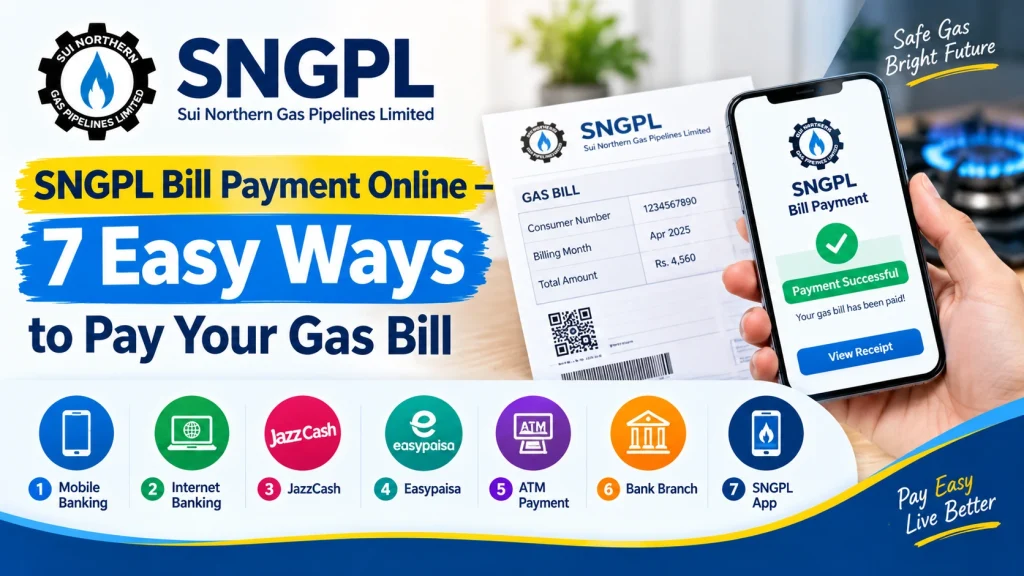
Paying your gas bill on time helps you avoid late payment charges and unnecessary inconvenience. With SNGPL Bill Payment Online, consumers can use digital payment services and other authorized channels instead of visiting a payment counter every month. Several options are available, including mobile banking, internet banking, Easypaisa, JazzCash, ATMs, and the official SNGPL mobile application.
In this guide, you will learn seven easy ways to pay your SNGPL gas bill, the information you need before making a payment, how to confirm a successful transaction, and what to do if your bill still shows unpaid.
What Is SNGPL Bill Payment Online?
Sui Northern Gas Pipelines Limited (SNGPL) provides gas services to consumers in its service areas across northern Pakistan. Its listed payment channels include internet banking, mobile banking, the SNGPL mobile application, branchless banking applications, ATMs, scheduled banks, and other designated payment locations.
Online payment is convenient because you can complete the transaction using a supported mobile app or banking service. Before paying, keep your latest gas bill or consumer account details available so you can verify the correct account and amount.
7 Easy Ways to Pay Your SNGPL Gas Bill
1. Pay SNGPL Bill Through JazzCash
JazzCash is a mobile wallet that may allow you to pay your gas bill directly from your phone.
Follow these general steps:
- Open the JazzCash app and sign in.
- Find the Bill Payments or utility bills section.
- Select the gas category.
- Choose SNGPL from the available billers.
- Enter your consumer number or the account details requested by the app.
- Check the displayed bill amount and account information.
- Confirm the payment and save the transaction receipt.
Menu names may change with app updates. Always verify the account details before confirming your payment.
2. Pay Your SNGPL Bill Through Easypaisa
Easypaisa is another convenient option for consumers who prefer mobile wallet payments.
To pay your bill:
- Open the Easypaisa app.
- Sign in using your registered account.
- Select Bill Payment or the relevant utility payment option.
- Choose Gas and select SNGPL.
- Enter your consumer number as requested.
- Review the bill details and amount.
- Confirm the transaction and keep the payment confirmation.
If SNGPL is not displayed or the service is temporarily unavailable, use another supported payment channel.
3. Use Your Bank’s Mobile Banking App
Many Pakistani banks provide utility bill payment services through their mobile applications. This is a useful option if you already have an active bank account and mobile banking.
Steps for SNGPL bill payment online through mobile banking:
- Open your bank’s official mobile app.
- Log in securely.
- Open the Bill Payments or Utility Bills section.
- Select Gas and then SNGPL.
- Enter the required consumer or account number.
- Confirm the retrieved bill information.
- Authorize the payment using the method required by your bank.
The exact menu and verification process depend on your bank. Do not share your banking PIN, password, or one-time password with anyone.
4. Pay Through Internet Banking
Internet banking lets you pay your gas bill using your bank’s official website.
First, visit your bank’s website and sign in to your account. Open the bill payment section, select SNGPL, enter the requested account details, and check the amount shown on the screen. Complete the bank’s verification process to submit the payment.
Afterward, save the confirmation number or download the receipt. Always access internet banking through your bank’s genuine website rather than links received in suspicious messages.
5. Pay Your SNGPL Bill at an ATM
If you prefer using an ATM, check whether your bank’s ATM supports SNGPL bill payments.
- Insert your bank card and enter your PIN.
- Select the bill payment or utility payment option.
- Choose Gas and SNGPL, if available.
- Enter the requested consumer details.
- Verify the account information and bill amount.
- Confirm the transaction.
- Collect the receipt and keep it until the payment is reflected in your account.
Available options vary by bank and ATM network, so check the displayed instructions carefully.
6. Use the Official SNGPL ConnectOn App
SNGPL’s official ConnectOn application offers several consumer services, including viewing and downloading bills, checking billing history, making online payments, and registering complaints. These features are listed on the application’s official Google Play page.
To get started, download the app from a trusted app store, verify that the publisher is Sui Northern Gas Pipelines Limited, and follow the registration or account-linking instructions. Open the bill or payment section, select your account, and follow the available payment instructions.
Official app: https://play.google.com/store/apps/details?id=com.sngpl.sngpl_connection_app_flutter
7. Pay at an Authorized Bank or Payment Location
Consumers who do not use mobile wallets or internet banking can pay through an authorized bank branch or another designated payment location.
Take your current gas bill with you, provide it to the payment counter, and pay the amount shown on the bill. Keep the stamped receipt or transaction slip as proof.
For the latest payment locations and supported channels, visit the official SNGPL website: https://www.sngpl.com.pk/
What Do You Need Before Paying Your SNGPL Bill?
Before starting SNGPL Bill Payment Online, prepare the following:
- Your latest SNGPL gas bill or previous bill for account details.
- Your consumer number or account ID, as requested by the payment service.
- A registered mobile wallet or active bank account, depending on the method.
- Sufficient funds to cover the bill and any applicable transaction fee.
- Access to your phone or banking verification method.
Always confirm that the bill belongs to your connection. Do not rely only on a name or an amount when verifying a transaction.
How to Check Whether Your SNGPL Bill Has Been Paid
After making a payment, check the confirmation message in your banking app or wallet. Save the transaction ID, reference number, or receipt.
You can also revisit the relevant billing service or official SNGPL channel to check whether the payment status has updated. Keep in mind that a successful payment receipt and an updated gas company record may not appear at exactly the same time.
If the transaction is successful but your bill still shows unpaid, avoid paying again immediately. First, check the transaction history and contact your payment provider if necessary.
Common SNGPL Bill Payment Problems and Solutions
Payment Failed
Check your account balance, internet connection, and transaction history. If money was deducted, save the transaction details and contact your bank or wallet provider before retrying.
Consumer Number Not Accepted
Recheck the number printed on your gas bill and enter it exactly as required. Avoid adding spaces or unnecessary characters.
Bill Still Shows Unpaid
Keep your payment receipt and allow time for the billing record to update. If the status remains unchanged, contact the payment provider and SNGPL through their official channels.
Payment Made After the Due Date
Check your latest bill for any applicable late payment surcharge or outstanding amount. Paying the current bill does not necessarily clear previous unpaid balances.
Frequently Asked Questions
Can I pay my SNGPL bill online using my mobile phone?
Yes. You can use a supported mobile banking app, Easypaisa, JazzCash, or the official SNGPL ConnectOn app, depending on the service available to you.
Is it necessary to visit an SNGPL office to pay my gas bill?
No. SNGPL lists several digital and physical payment channels, so many consumers can pay without visiting an SNGPL office.
What should I do if my money is deducted but the bill is unpaid?
Save your transaction receipt and reference number. Check your payment history, contact your bank or wallet provider, and follow up with SNGPL if the payment record does not update.
Can I pay my SNGPL bill after the due date?
You may be able to make a late payment through a supported channel. Check the bill for applicable late charges and confirm the amount before paying.
Where can I find official SNGPL payment information?
Visit https://www.sngpl.com.pk/ and look for the customer services or bill payment options section.
Conclusion
SNGPL Bill Payment Online offers consumers several convenient ways to pay their monthly gas bills. You can use JazzCash, Easypaisa, mobile banking, internet banking, ATMs, the official ConnectOn app, or an authorized payment location.
Whichever method you choose, carefully verify your consumer details and bill amount before confirming the transaction. Save your payment receipt, check the payment status afterward, and contact the relevant provider if your transaction fails or your bill continues to show unpaid. These simple steps can help make your monthly gas bill payments easier and more reliable.